

PB236
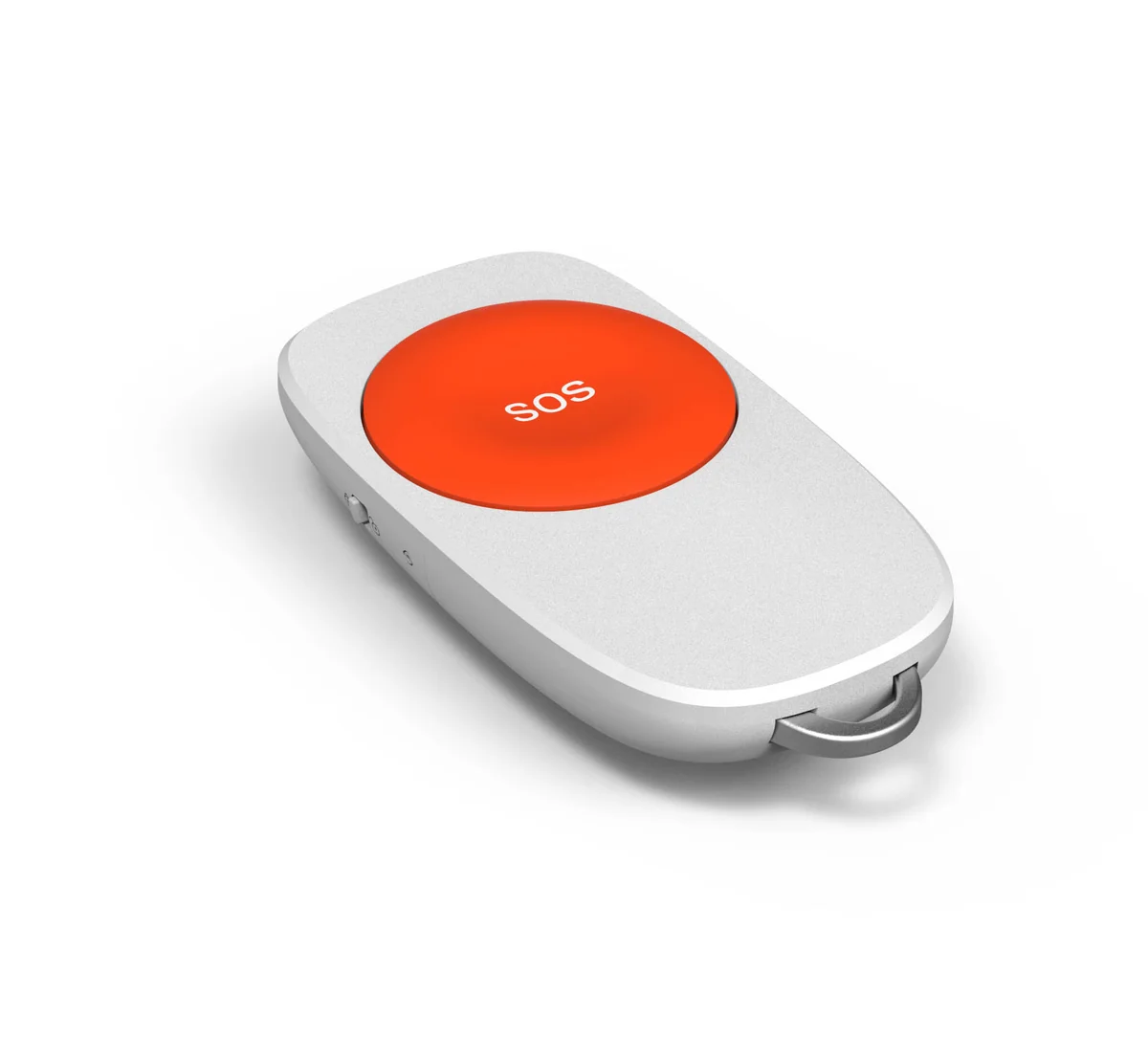
ZigBee Panic Button with Pull Cord
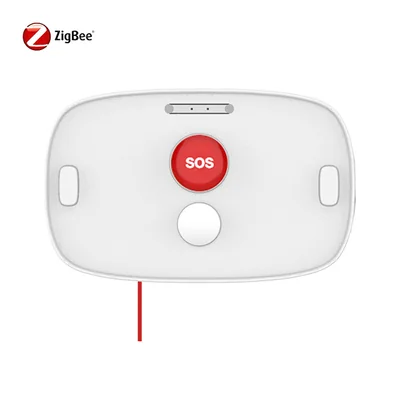
ZigBee 3.0 panic button with pull cord — send a panic alarm to the mobile app by button or cord in emergencies.
Overview
The PB236 sends a panic alarm to the mobile app by simply pressing the button on the device. You can also send a panic alarm by cord — one kind of cord has a button, the other doesn't, customizable according to your demand.
Key Features
- ZigBee 3.0, compatible with other ZigBee products
- Sends panic alarm to the mobile app
- Pull cord for easy emergency alarms
- Low power consumption (standby <3μA)
- Low voltage alarm at 2.4V
Specifications
| Protocol | ZigBee 3.0 (2.4GHz IEEE 802.15.4) |
|---|---|
| RF Range | Indoor: 30m (open area) |
| Antenna | Internal PCB Antenna (TX power 8dB) |
| Battery | DC 3V (2 x AA); low voltage alarm at 2.4V |
| Power Consumption | Standby <3μA; trigger <30mA |
| Operation | Button or pull cord sends panic alarm to the mobile app |
| Cord Options | With button or without button (customizable) |
Key Benefits
Button + Cord Alarm
Press the button or pull the cord to send a panic alarm.
Customizable Cord
Cord with or without button, per your demand.
2x AA Powered
Standby <3μA, low voltage alarm at 2.4V.
ZigBee 3.0
Compatible with other ZigBee products.
Ideal For
Common deployment scenarios where ZigBee Panic Button with Pull Cord delivers the most value.
Senior Care Bathrooms
Pull-cord alarm accessible from the floor.
Nursing Homes
Wall-mounted panic alarms with cord.
Accessible Toilets
Emergency cord for public facilities.
Home Care
Bedside or bathroom panic alarm.
OEM / ODM Projects
OEM branding and ODM development available.
ZigBee Smart Homes
Works with any standard ZigBee hub.
Frequently Asked Questions
How do I send an alarm?
What cord options are available?
How is it powered?
What is the power consumption?
Which ZigBee profile does it use?
Related Products
Interested in ZigBee Panic Button with Pull Cord?
Download the datasheet or request pricing — our team will respond within 24 hours.
Our engineers usually reply within one business day.