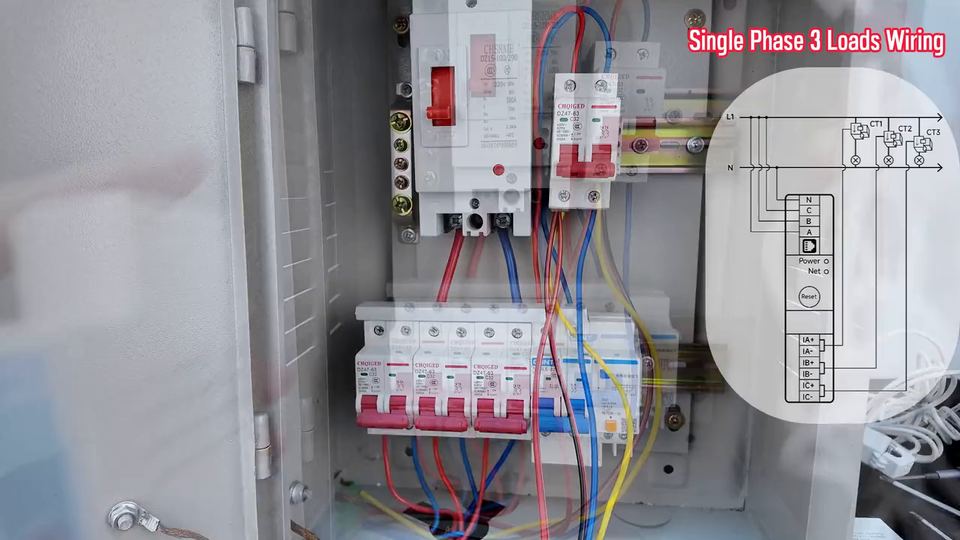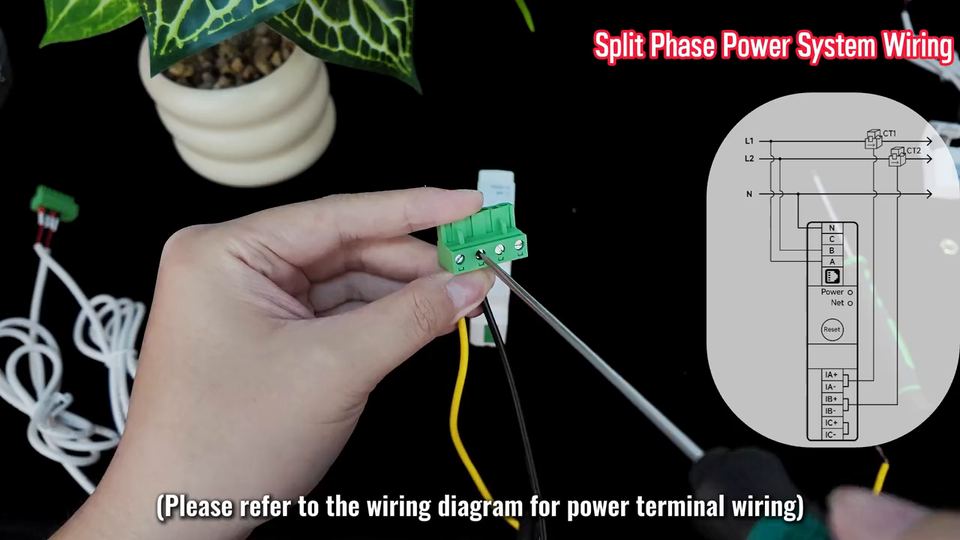

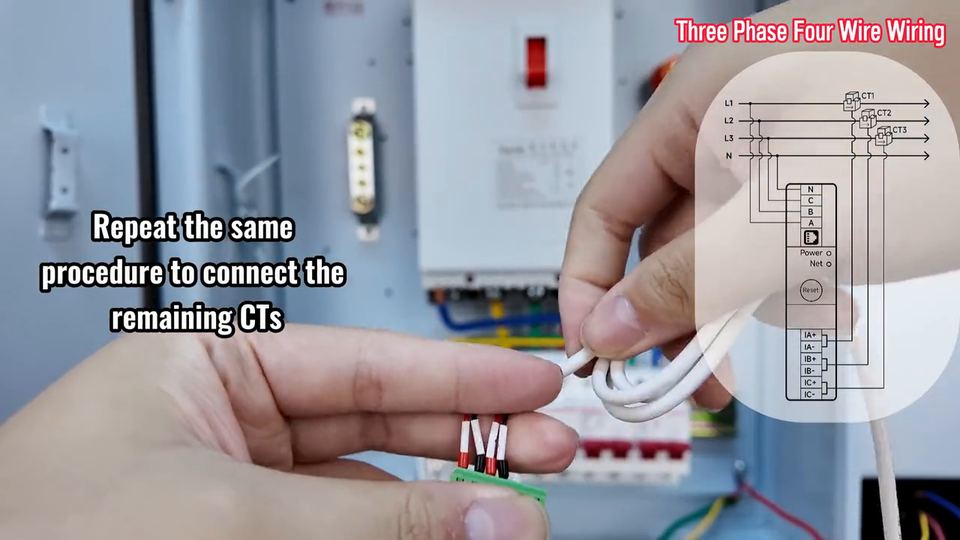
PC4713 single-phase wiring from a busbar

PC4713-W, PC4713-W-485 (and the -TY / -E-TY variants)

The simplest install: one phase and a neutral, one CT around the incoming phase busbar. The short clip shows how the meter is fed from a busbar rather than a cable.

Isolate the supply before touching any conductor. Wire colours in the clip are the demo panel's, not a requirement.

Step by step

  1. 1 Isolate the supply and prove the busbar dead.
  2. 2 Clip one CT around the incoming phase busbar; the arrow points towards the loads.
  3. 3 Land the phase conductor on A and the neutral on N.
  4. 4 Land the CT secondary on IA+ / IA-.
  5. 5 Restore power and confirm the reading against a clamp meter.

Terminal reference

Power block N/C/B/A
A = phase, N = neutral. B and C unused.
CT block IA+ IA-
Secondary of the single CT.

Before you start

  • A busbar usually carries more than one conductor; the CT must wrap the whole current path, not one branch.
  • Check the CT aperture against the busbar size before installing.

Common mistakes

  • Clamping only one conductor of a parallel run: the reading is a fraction of the real current.
  • Leaving the CT secondary unterminated: no current reading at all.

Datasheets and quick start guides for every OWON model are in the documentation library. Not sure which model fits the supply? Send us the service details — we answer within one business day.

← All videos