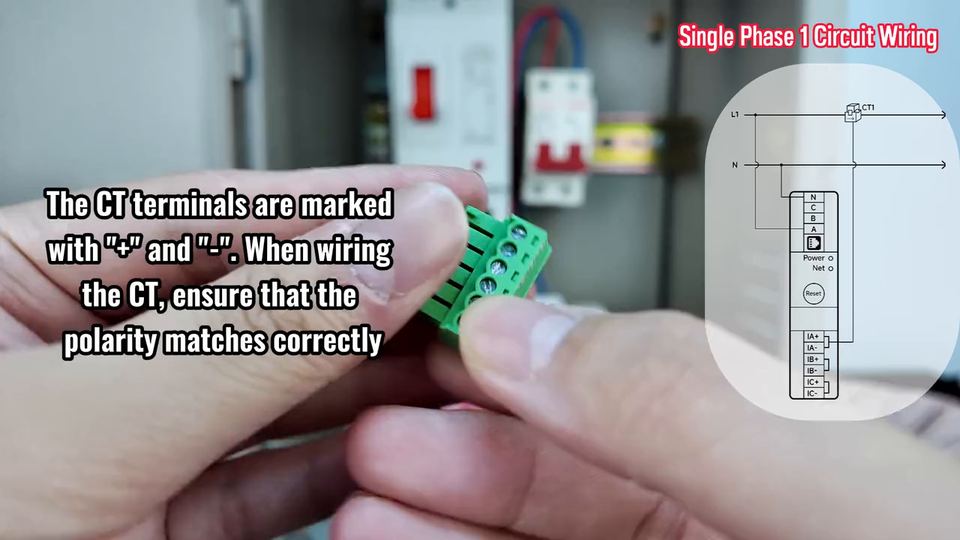
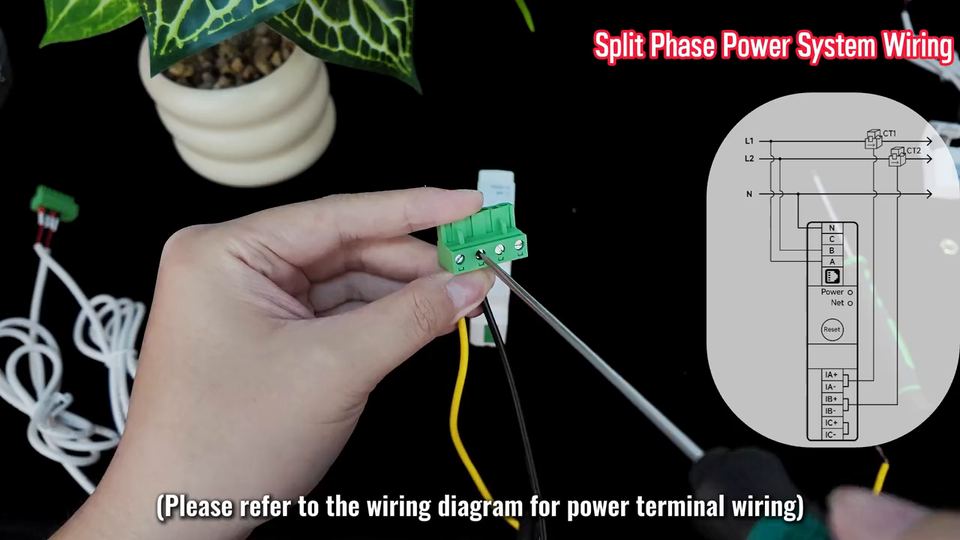
The standard commercial service: three phases plus neutral, one CT on each phase. L1 to A, L2 to B, L3 to C, neutral to N, and the CT secondaries on IA / IB / IC.
Isolate the supply before touching any conductor. Wire colours in the clip are the demo panel's, not a requirement.
Step by step
1 Isolate the supply at the upstream breaker and prove the conductors dead before touching anything.
2 Clip the meter onto the 35 mm DIN rail, leaving room on both sides for the CT leads.
3 Clip CT1 on L1, CT2 on L2 and CT3 on L3. The arrow moulded on each CT points towards the load.
4 Land the power conductors: L1 to A, L2 to B, L3 to C, and the neutral to N.
5 Land the CT secondaries: CT1 to IA+ / IA-, CT2 to IB+ / IB-, CT3 to IC+ / IC-.
6 Restore power and check the Power LED; the Net LED confirms the Wi-Fi link (or the RS485 port on the -485 model).
7 Confirm per-phase current and voltage against a clamp meter before closing the panel.
Terminal reference
Power block N/C/B/A
N = neutral, A = L1, B = L2, C = L3. One conductor per terminal.
CT block IA+ IA-
Secondary of CT1, the clamp on L1.
CT block IB+ IB-
Secondary of CT2, the clamp on L2.
CT block IC+ IC-
Secondary of CT3, the clamp on L3.
Before you start
Never open a CT secondary while its primary conductor is energised: the clamp will generate a dangerous voltage.
Keep CT leads away from power conductors and cross them at right angles where they must cross.
The CT on a phase must be the clamp for that phase: A pairs with IA, B with IB, C with IC.
Three-phase three-wire and delta systems are not supported by these models. Use the PC4713-W-E-TY/3W for three-wire.
Common mistakes
Clamping the CT on the neutral instead of the phase: current reads zero.
Reversing a CT: power and energy come out negative or keep jumping.
Mixing phases and CTs: total energy is right but per-phase values are swapped.


 3:34
3:34